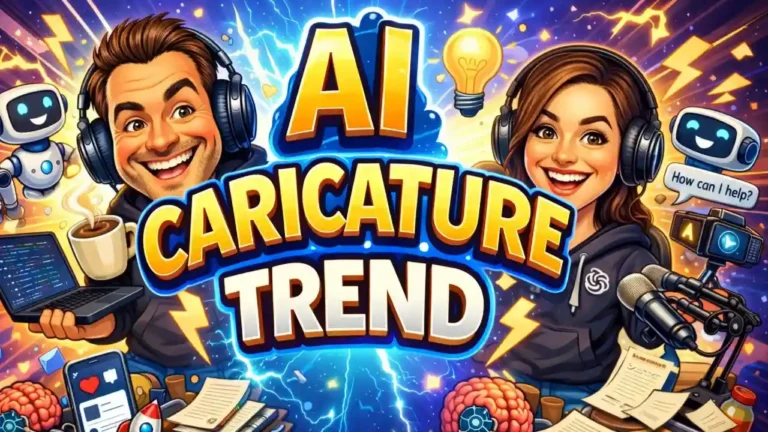

The latest viral sensation has everyone turning their professional profiles into quirky, AI-generated cartoons. But before you upload your headshot, you need to understand the severe AI caricature trend privacy risks that could expose your identity online.
Cybersecurity experts are raising major red flags about this seemingly innocent fad. What feels like a harmless social media challenge is actually handing hackers your personal information on a silver platter.
What Are the Real AI Caricature Trend Privacy Risks?
When you give a chatbot your photo, job title, and company logo, you aren’t just getting a fun picture back. You are providing the exact ingredients needed for sophisticated impersonation scams.
According to Bob Long, vice-president at authentication company Daon, users are doing the heavy lifting for cybercriminals. By visually mapping out your identity and asking the AI to summarize “everything it knows about you,” you create a massive security vulnerability. In fact, Long notes the trend almost sounds like it was intentionally designed by a fraudster.
Block Scams & Cyber Threats 🚫
Stop advanced threats in their tracks and secure your devices with 25% off Malwarebytes Premium.
The Threat of Data Breaches and AI Deepfakes
What happens to your face once you hit submit? The AI system immediately processes your image to extract granular details, ranging from your emotional state to location clues hidden in the background.
This information doesn’t just disappear; it can be stored indefinitely to train future models. If a data breach hits a major AI platform, your high-resolution selfies and profile details could easily fall into the hands of malicious actors.
Check Point’s Charlotte Wilson explains that these captured images help criminals upgrade from generic spam to highly personalized, convincing AI deepfakes. A single, clear photo is all a bad actor needs to clone your likeness and launch a targeted scam against your colleagues or family.
How to Protect Your Identity Online
You don’t have to delete your apps to stay safe. If you still want to participate in AI image challenges, you simply need to control what you share.
First, tightly crop your photos to ensure the background is completely plain. Remove any identifying markers like work lanyards, name badges, uniforms, or location clues.
Most importantly, never feed the AI extra details about your specific employer, city, or daily routine in your text prompt. Give the system the absolute minimum amount of data required to generate the image.
Protect Your Digital Footprint 🛡️
Keep your personal data safe from scammers, encrypt your online activity, and browse privately with NordVPN.
Lock Down Your OpenAI Privacy Settings
You have the power to control how your digital footprint is used. By default, uploaded images might be retained to refine and train future AI models. Here is how to lock down your account immediately:
- Opt-Out of Training: Navigate to the AI’s privacy portal and explicitly select the option to “do not train on my content.”
- Disable Chat History: Turn off the “improve the model for everyone” toggle in your settings to protect your text prompts and personal conversations.
- Request Personal Data Deletion: Under EU law, you have the right to demand the erasure of your stored data. Take advantage of this, though keep in mind platforms may retain some minimal logs strictly to address fraud and abuse.
Understanding the AI caricature trend privacy risks is your first line of defense. By adjusting your OpenAI privacy settings and thinking twice before you upload, you can enjoy the latest tech trends without compromising your personal security.



0 Comments