
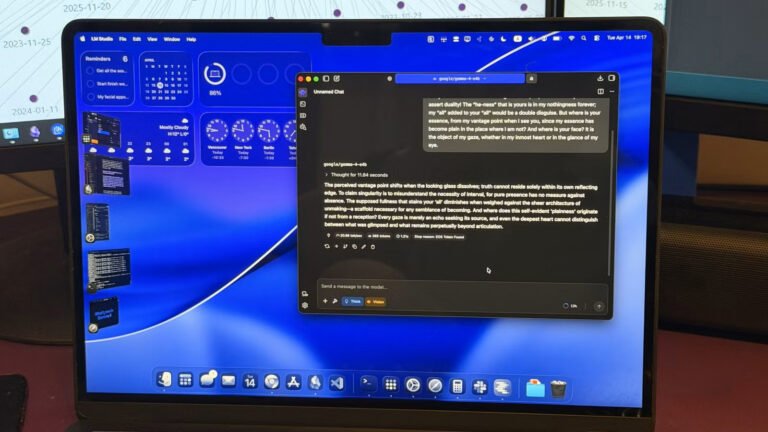

Running AI locally guarantees ultimate privacy, provided your host machine is actively hardened against intrusion using enterprise-grade endpoint security like Bitdefender. However, scaling that infrastructure reveals critical bottlenecks. Specifically, massive context windows destroy performance. Therefore, upgrading your hardware is rarely the best answer. Instead, local LLM embedding models offer a highly efficient solution. Crucially, these models process information intelligently without overloading your GPU. This guide explains how to optimize your system instantly.
Why the Context Window Breaks Local AI
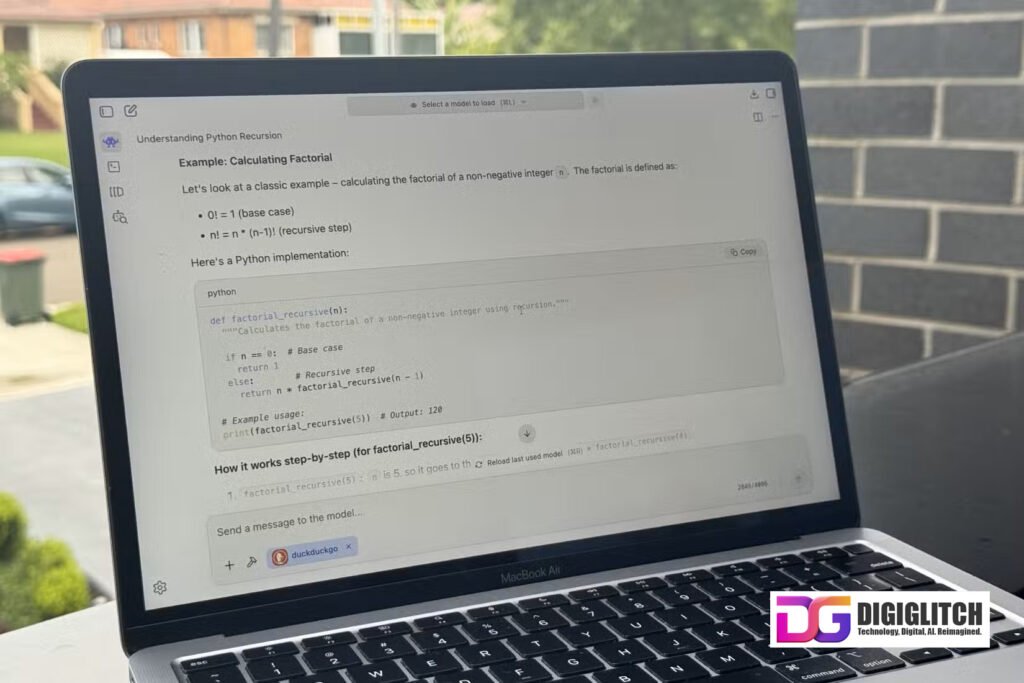
Half of your AI experience relies entirely on prompt context. If you feed the model vague instructions, you receive terrible answers. Consequently, users instinctively dump massive documents into the chat interface.
However, context is inherently expensive. For cloud models, large prompts generate massive API bills. Locally, heavy prompts destroy inference speeds. Because every single token requires active processing power during generation.
Furthermore, local machines operate under strict hardware constraints. Forcing an AI to drag around gigabytes of text actively degrades response quality. The model wastes computational energy holding data. Instead, it should focus solely on reasoning. Ultimately, local LLM embedding models fix this exact bottleneck.
See how one publisher used free courses, targeted FB fan pages, and Monetag Smartlinks to build a massive passive income stream.
How Local LLM Embedding Models Work
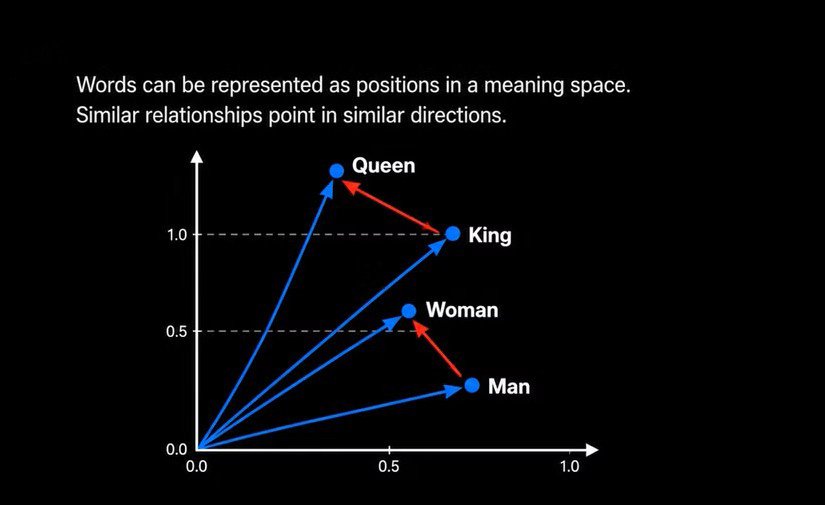
Embedding engines function as the unsung heroes of AI architecture. Compared to massive text generators, they are incredibly lightweight. Specifically, an embedding model converts standard text into long mathematical arrays. Engineers call these numeric arrays vectors.
Crucially, vectors map semantic meaning inside a mathematical space. Two similar sentences generate vectors located close together. Conversely, unrelated statements sit far apart.
Therefore, this process surpasses basic keyword search. The embedding engine genuinely understands semantic similarity. Consequently, you can retrieve context based on conceptual meaning, not just exact phrasing.

Implementing Retrieval-Augmented Generation (RAG)
This specific architectural pattern is called RAG (Retrieval-Augmented Generation). Importantly, RAG prevents you from baking knowledge directly into the primary model. Instead, you store information externally inside a secure vector database.
Therefore, the system retrieves only highly relevant data right when needed. First, the embedding system processes your raw documents. It slices text into chunks and converts them into vectors. Subsequently, you store these vectors in databases like ChromaDB or Qdrant, a process that executes exponentially faster when hosted on a high-speed NVMe M.2 SSD rather than standard storage.”
When you ask a question, the system converts your query into a new vector. Next, the database immediately executes a similarity search. Finally, it passes the most relevant chunks to your main AI. Thus, the primary AI only handles interpretation.
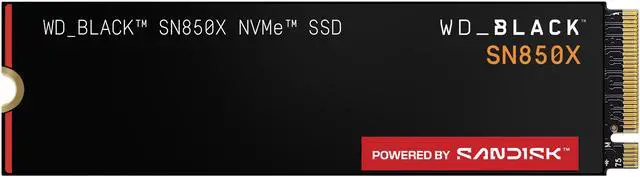
WD_BLACK SN850X NVMe SSD
Transform your PC with a high-performance M.2 2280 Solid State Drive. Enjoy ridiculously short load times and massive gaming expansion.
Building Your Local RAG Architecture
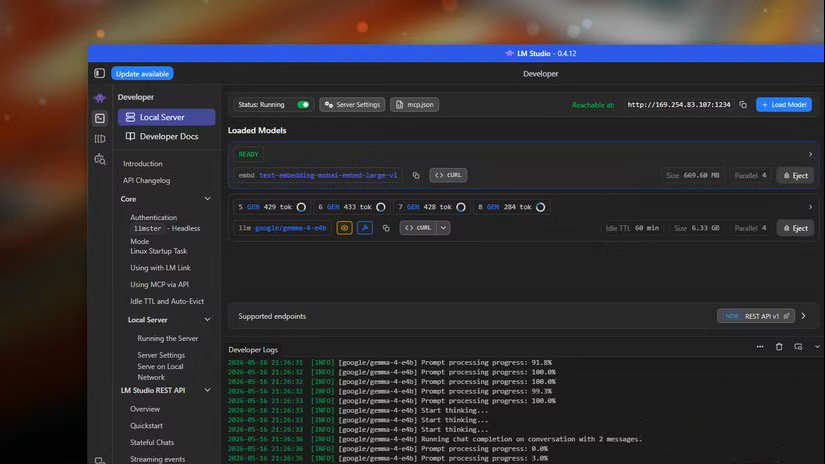
You can test this concept immediately using LM Studio. This popular interface ships with RAG capabilities natively integrated. Simply, you enable the RAG MCP setting and upload your files.
However, serious workflows require persistent, robust architecture. For long-term data storage, download a dedicated standalone model. You should host it right alongside your primary AI.
Notably
local LLM embedding models likemxbai-embed-large-v1consume roughly 500MB of storage. Consequently, you can easily offload them directly to the VRAM of a dedicated local GPU, such as the NVIDIA RTX 4080 Super, ensuring zero-latency semantic retrieval. OpenNotebook offers a fantastic self-hosted alternative to NotebookLM for managing these sources.

Gigabyte GeForce RTX 4080 SUPER
Dominate 4K gaming and heavy creative workflows with the Ada Lovelace architecture, WINDFORCE cooling, and advanced AI-powered DLSS 3.5.
Advanced Workflows with Qdrant and MCP Servers
Pre-built applications often limit technical flexibility. Therefore, custom pipelines provide superior control for builders. For instance, setting up Qdrant as your vector database takes minutes using Docker.
Next, write a simple Python script to interact with your embedding system. If managing backend infrastructure is outside your scope, you can easily hire a specialized AI developer on Fiverr to deploy this Docker and Python architecture for you. This script pushes your embedded files directly into Qdrant. Finally, wrap this infrastructure inside an MCP (Model Context Protocol) server.
Crucially, an MCP server connects directly to interfaces like OpenClaw, Claude Code, or Codex. Now, your AI agent pulls contextual data dynamically without hitting token limits. Furthermore, this pipeline unlocks persistent memory for autonomous AI agents.
Persistent Memory for Obsidian Vaults
Markdown has quietly become the primary programming language of 2026. If you build personal AI agents, persistent memory is strictly non-negotiable. Otherwise, you must repeatedly feed historical chats into every new prompt.
Obviously, injecting entire chat histories breaks token limits immediately. Embedding engines allow your system to select memories surgically. Your agent saves all conversations as Markdown files. Subsequently, the system embeds those files into Qdrant.
Whenever the agent needs historical context, it queries the database. It retrieves exactly what it needs to remember. Indeed, this mirrors human memory functions perfectly. Implementing this pipeline completely transformed how my AI interacts with my personal Obsidian vault. Ultimately, adopting local LLM embedding models fundamentally upgrades your local automation capabilities, allowing you to seamlessly pipe agent outputs into visual workflow architectures like Make.com.
Automate Without Code ⚡
Build complex AI agent workflows visually with Make.com. No coding required. Perfect for solopreneurs.
Embedding models fix local LLM context limits by converting text into mathematical vectors for semantic search. Instead of loading entire documents into a prompt, a Retrieval-Augmented Generation (RAG) architecture stores data in vector databases like Qdrant or ChromaDB. The system retrieves only highly relevant information dynamically, which drastically improves local LLM inference speed and lowers computational hardware requirements.



0 Comments