
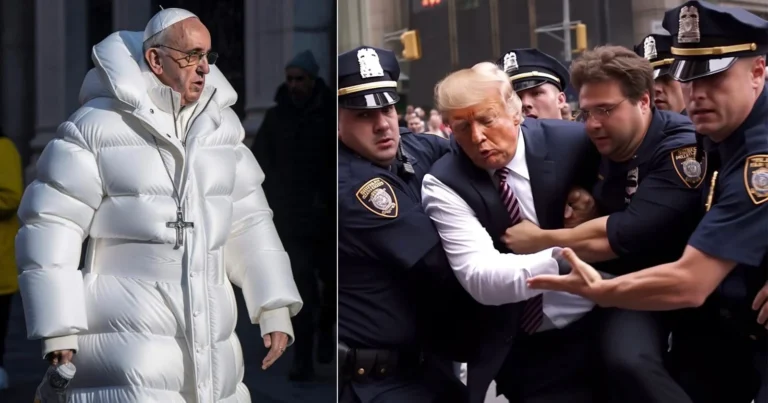

If you’re wondering how to tell if an image is AI-generated, you’re not alone. With modern tools producing hyper-realistic visuals, spotting fake images is harder than ever—but not impossible.
The key is knowing exactly what to look for. Below are 7 reliable clues that help you identify AI-generated images quickly and confidently.
1. Check for Watermarks or Hidden Markers

Start with the basics: scan the image corners carefully.
Some AI tools embed visible watermarks, while others use invisible systems like AI watermark detection technologies. Even if you don’t see anything obvious, the image may still contain hidden identifiers.
Pro tip:
- Upload the image to AI tools that can detect embedded markers
- Don’t rely solely on this—watermarks can be removed
2. Run a Reverse Image Search
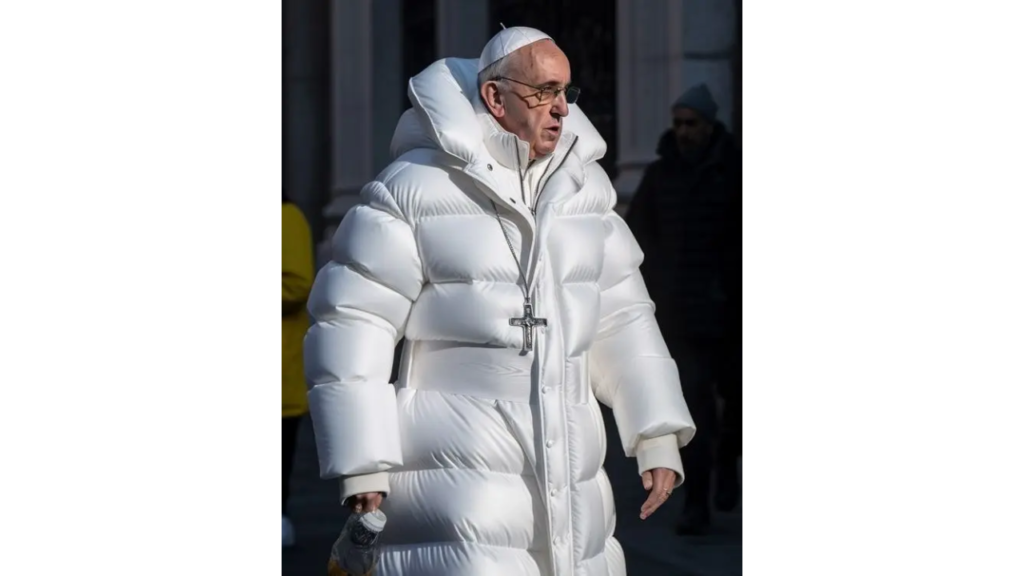
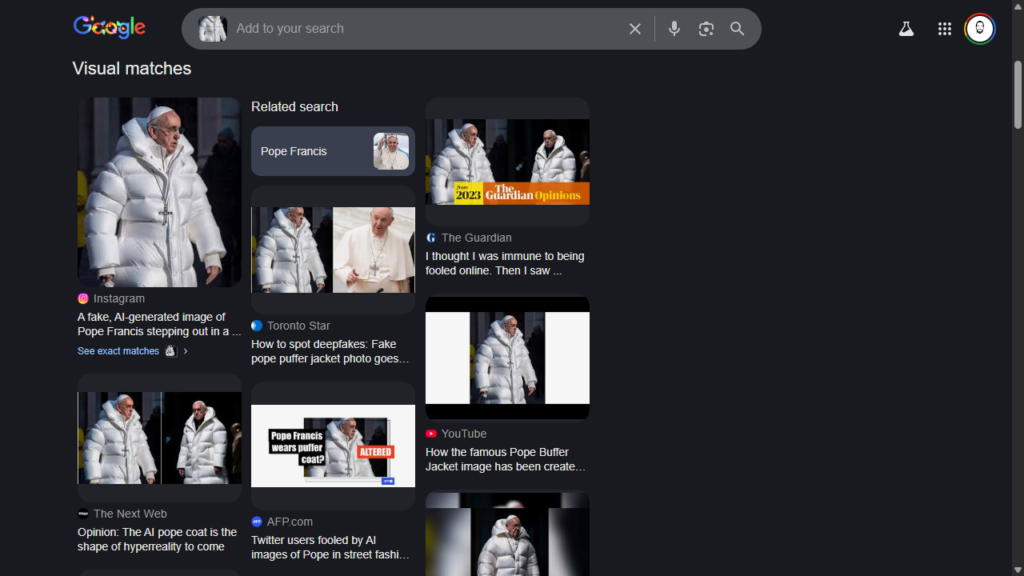
One of the fastest ways to perform an image authenticity check is a reverse search.
If the image is real, you’ll usually find:
- Original sources
- Context (news, movies, events)
- Multiple credible references
If instead you only find discussions questioning it, that’s a red flag.
Use this method to:
- Verify viral images
- Trace original sources
- Detect manipulated or fake photos
3. Look Closely at Text Inside the Image
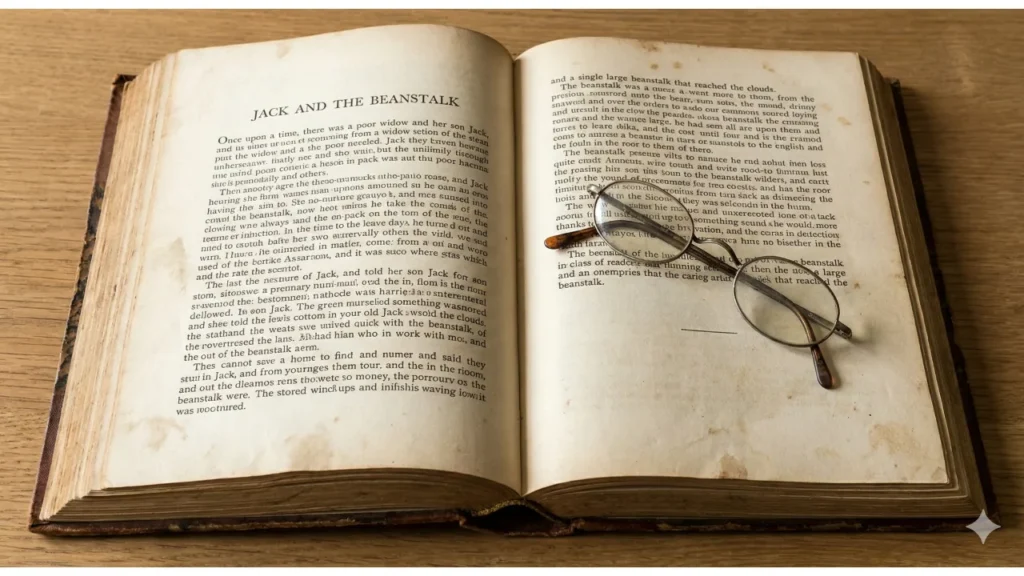
AI still struggles with text consistency.
Watch for:
- Misspelled or nonsensical words
- Warped or blurry letters
- Inconsistent fonts
Even advanced tools can fail when generating:
- Books or long paragraphs
- Signs with detailed wording
If the text looks “off,” chances are the image is AI-generated.
4. Spot Subtle Visual Imperfections
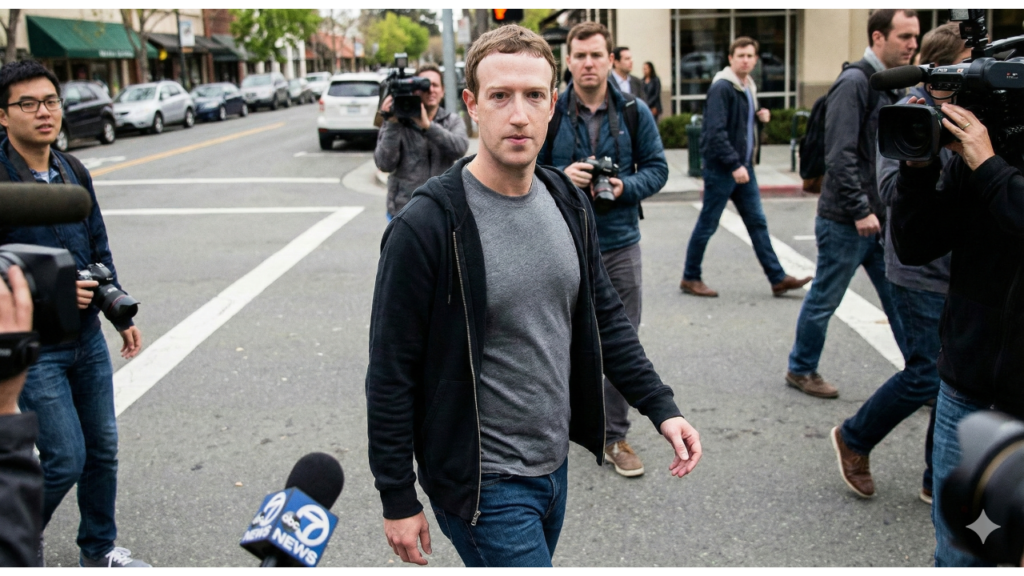
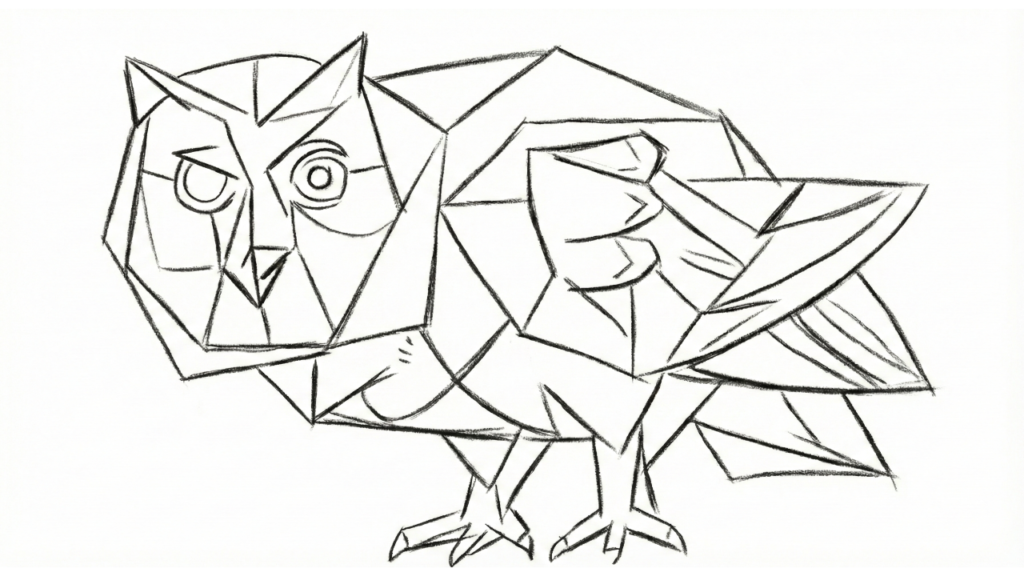
Many AI-generated images signs are subtle—but noticeable once you train your eye.
Look for:
- Overly smooth or plastic-like textures
- Backgrounds that feel generic or blurred
- Odd lighting or shadows
- Details that look too perfect—or too random
These inconsistencies are common in deepfake images and synthetic visuals.
Give Your AI a Voice 🎙️
Generate hyper-realistic speech, clone voices, and bring your digital avatars to life with ElevenLabs.
5. Question the Context

Even if the image looks real, ask yourself: Does it make sense?
Check for:
- Strange room layouts (e.g., double sinks, impossible designs)
- Unrealistic scenarios
- People doing out-of-character things
Also consider the source:
- Is it posted by an AI-focused account?
- Does the uploader frequently share synthetic content?
Context is often the biggest giveaway.
Create Stunning AI Media 🎬
Claim your 50% bonus (up to 5000 Credits) your first month and generate high-quality AI videos and images with Kling AI.
6. Analyze Image Quality and File Type
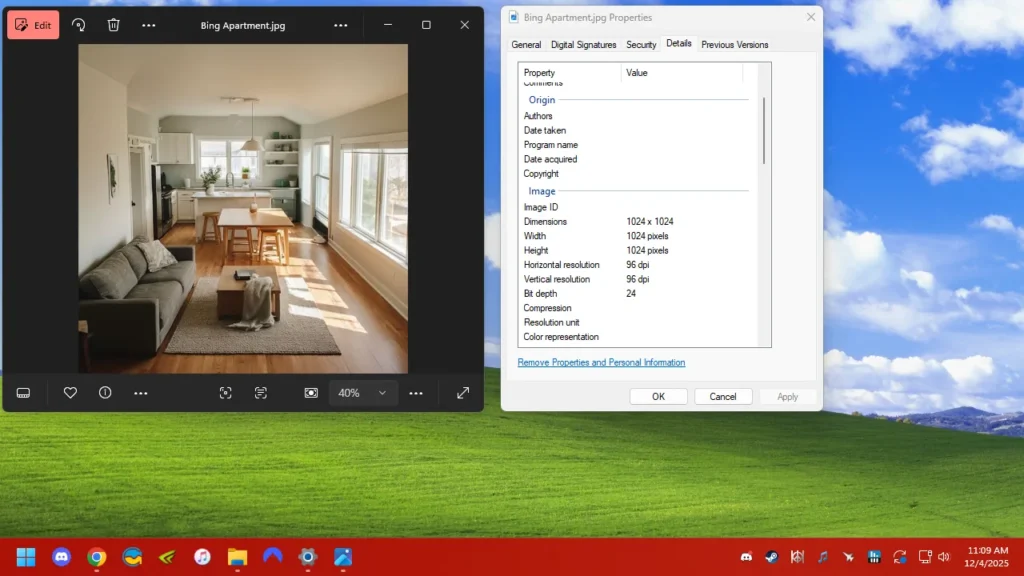
Technical details can reveal a lot.
Most AI images are:
- Compressed (JPEG format)
- Medium or low resolution
Be cautious with:
- Blurry or heavily compressed images
- Suspiciously small file sizes
However, note that newer tools can generate high-resolution images—so use this clue alongside others.
7. Use AI Image Detection Tools
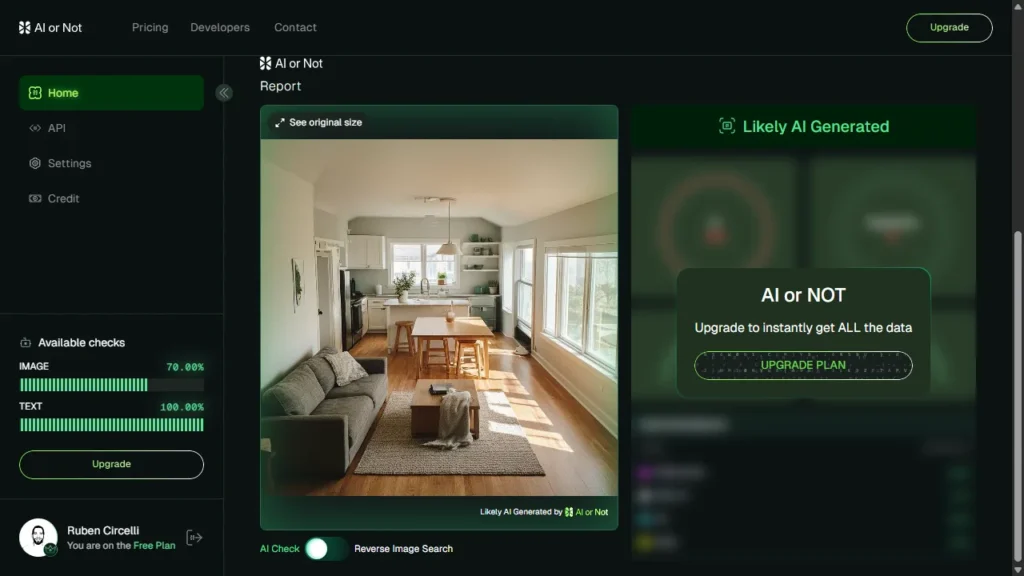
Modern AI image detection tools can analyze visuals and estimate whether they’re fake.
They typically provide:
- A probability score
- Confidence levels
- Pattern analysis
But remember:
- These tools are not 100% accurate
- Always combine results with manual inspection
Final Rule: Look for Multiple Red Flags
No single method guarantees accuracy.
But if an image:
- Fails an AI detection test
- Contains visual inconsistencies
- Lacks a credible source
…it’s very likely AI-generated.
The smartest approach:
Never trust just one signal—combine multiple clues to make a confident judgment.



0 Comments